The IPTV player for your TV.
GentIPTV plays the live channels, movies and series from the IPTV service you already have. It has no channels or videos of its own. Sign in with the login from your provider and start watching.
Coming soon to smart TV app stores.
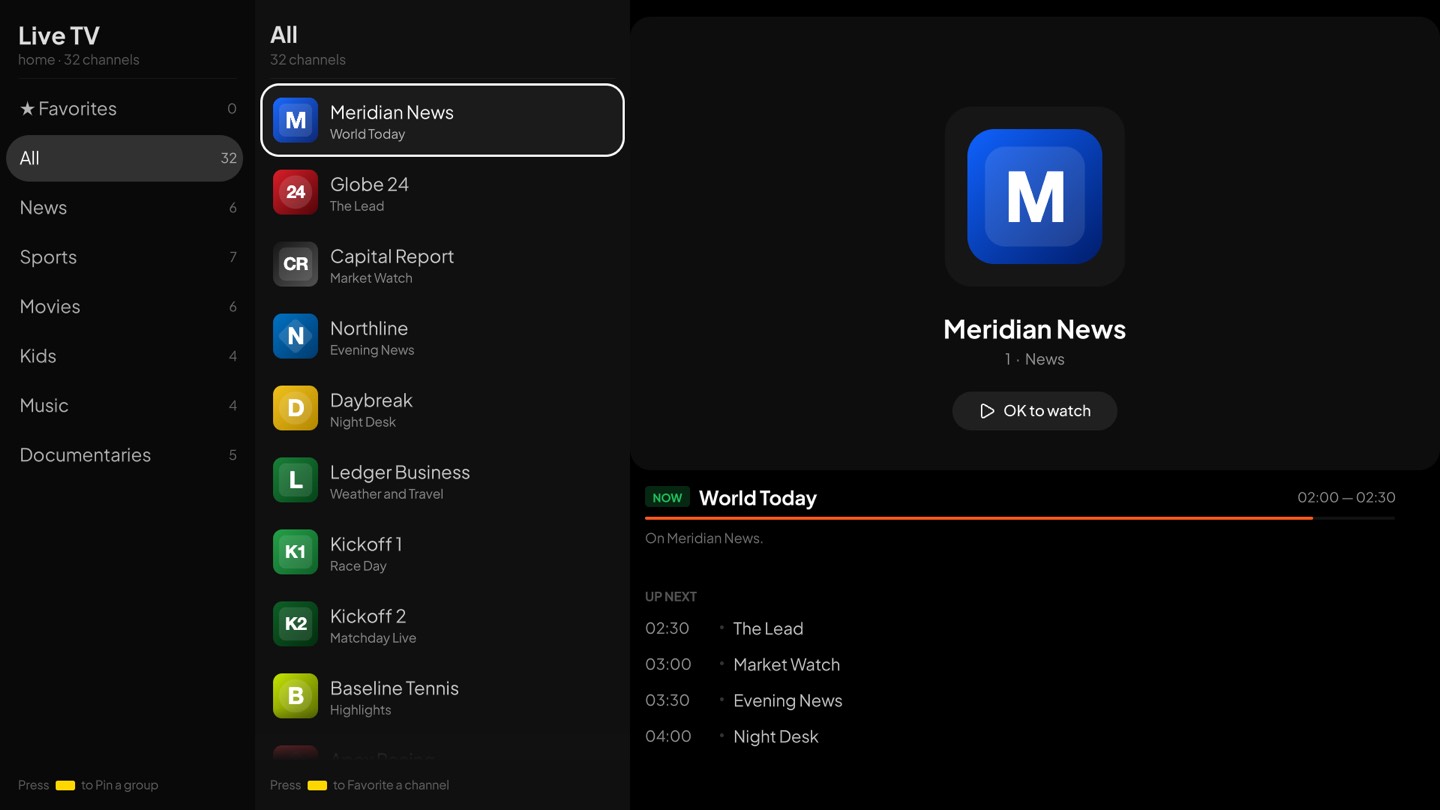
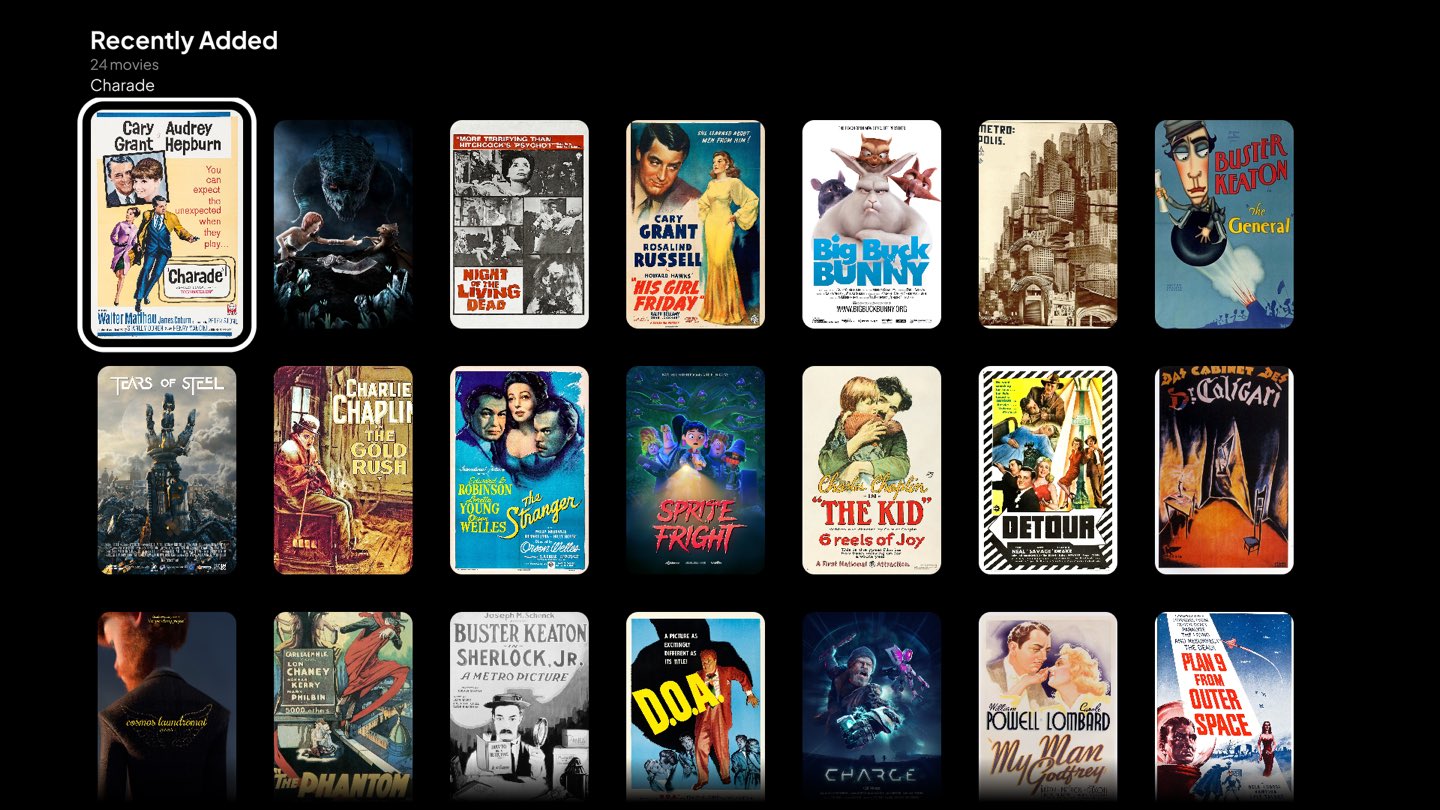
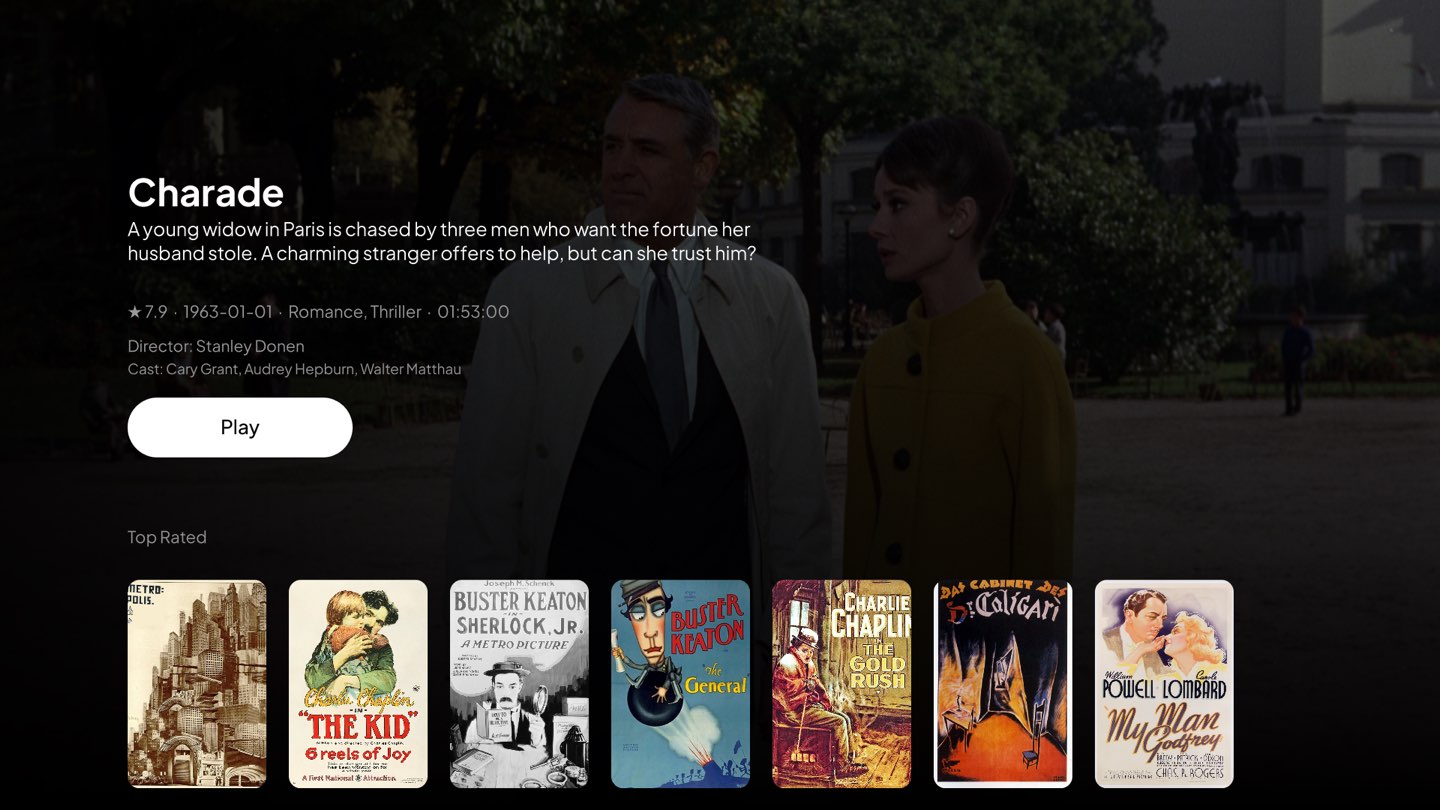
The pictures show free-to-share films and made-up channel names.
A player, and nothing else
GentIPTV does not sell or provide any IPTV service. It only plays what your own provider gives you. You need your own login from an IPTV provider.
What you get
- Live TV
- Channel groups, a TV guide with what is on now and next, favorite channels, and groups you can pin to the top.
- Movies and series
- Posters, details, and "continue watching" from where you stopped.
- Search
- Find channels, movies and series in one place.
- The player
- Pause, skip 10 seconds, and choose subtitles and audio when the video has them.
- Made for the remote
- Channel up and down, and number keys to jump to a channel.
- Large lists
- The app stays smooth, even with very large channel lists.
Start in three steps
- 1Install GentIPTV from your TV's app store (coming soon), then open it.
- 2Type the server address, username and password from your IPTV provider.
- 3Pick a channel, a movie or a series, and watch.
Your login stays on your TV
The app sends your login only to your own IPTV server. There is no account with us, no tracking and no ads.